Weigh.Tap.Done.
Counts what you sell at a market stall. Works with no network.
Open TargCounts and records. Issues no fiscal receipt.
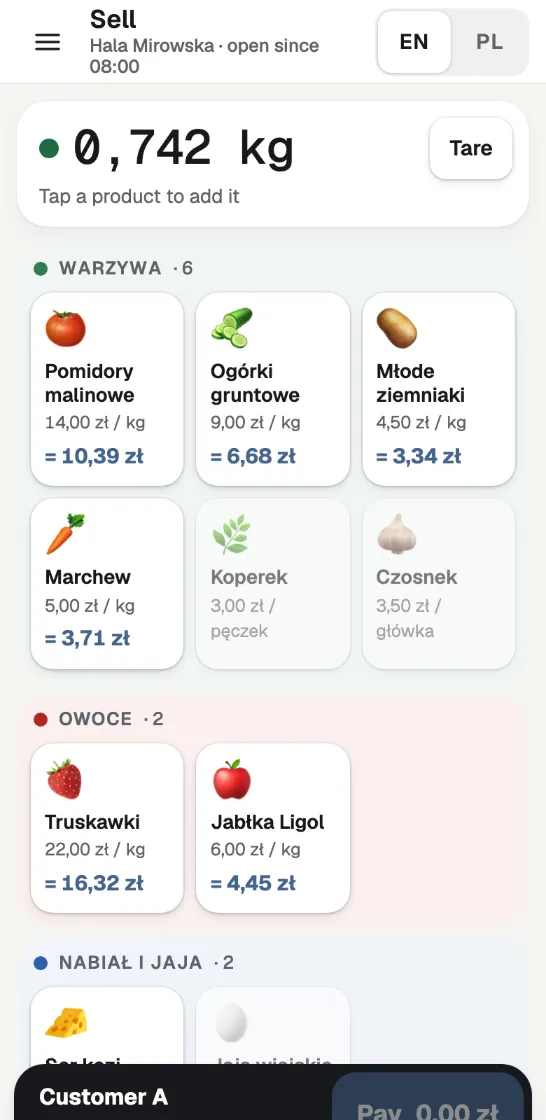
How a sale goes
Weigh
Put the goods on the scale. Once the weight settles, every product sold by weight shows its price for that weight.
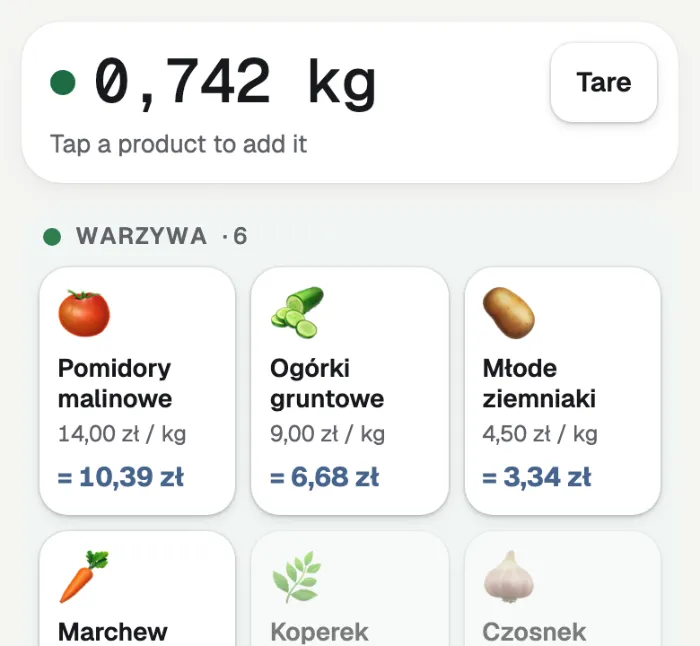
Tap
Tap the product. One tap adds the line to the cart.
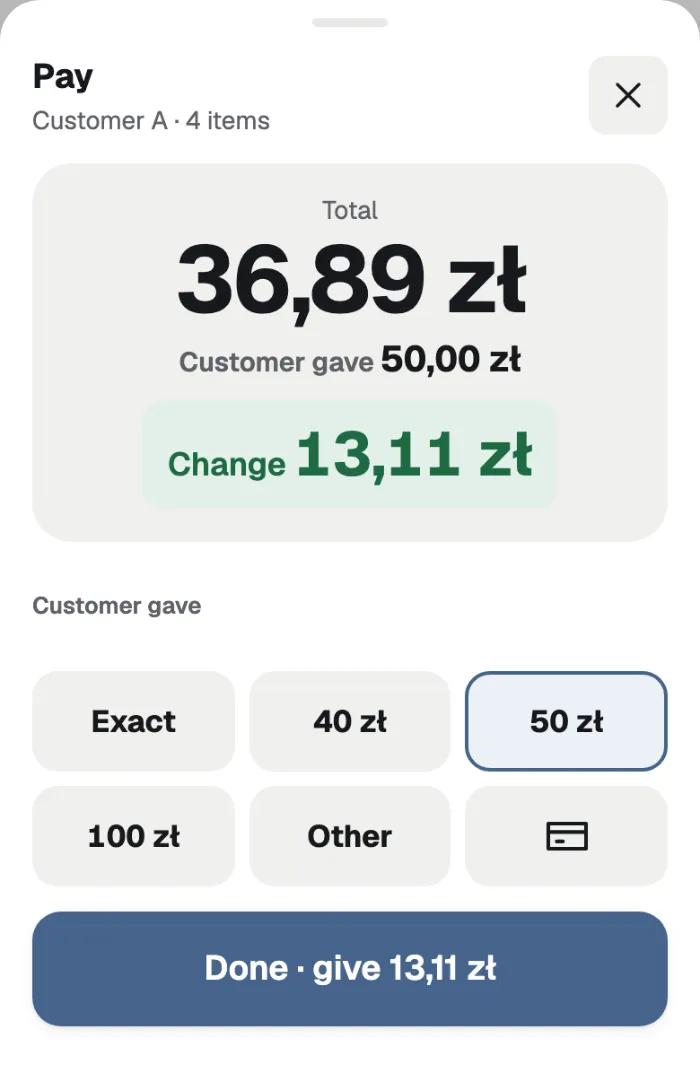
Pay
Cash. Quick amounts, and the change in large type.
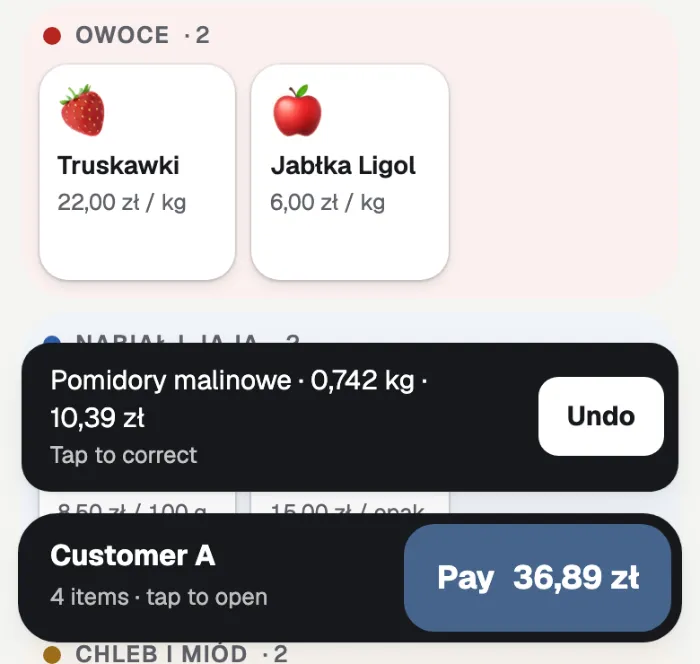
Next customer
The sale is recorded. Take the goods off the scale and serve the next person.
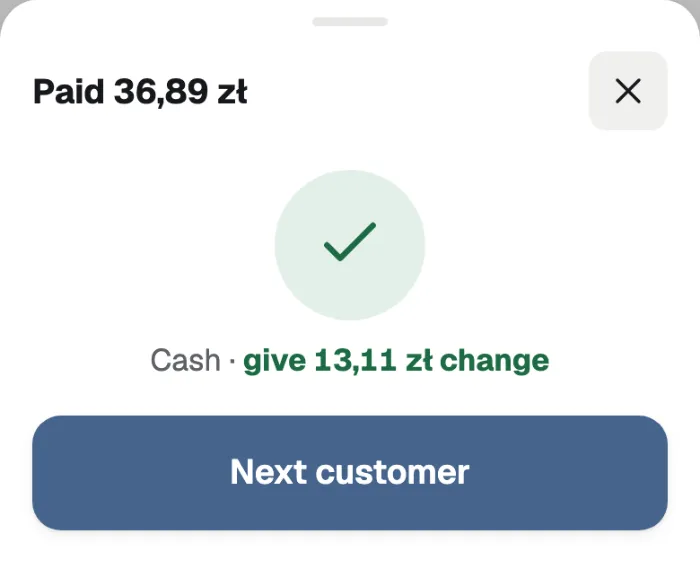
Pieces: one tap each. No scale: type the weight on a keypad.
Cash and the day’s report
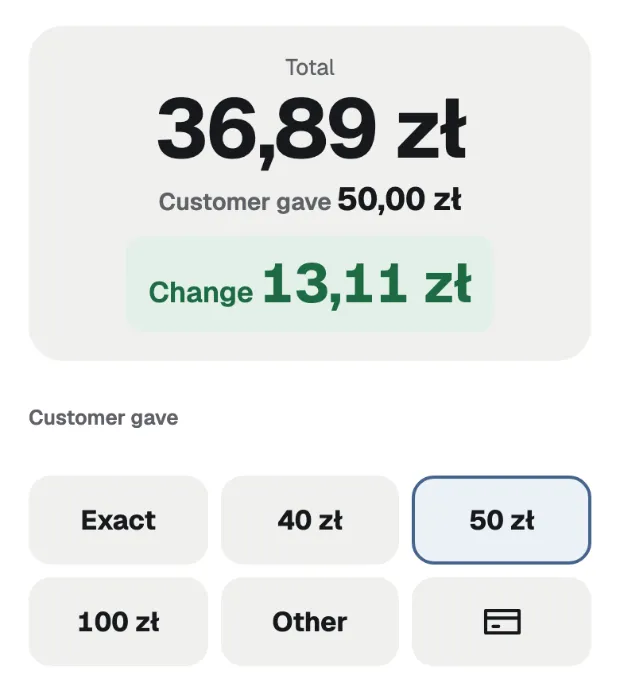
Cash
Quick amounts to pick from, and the change in large type.
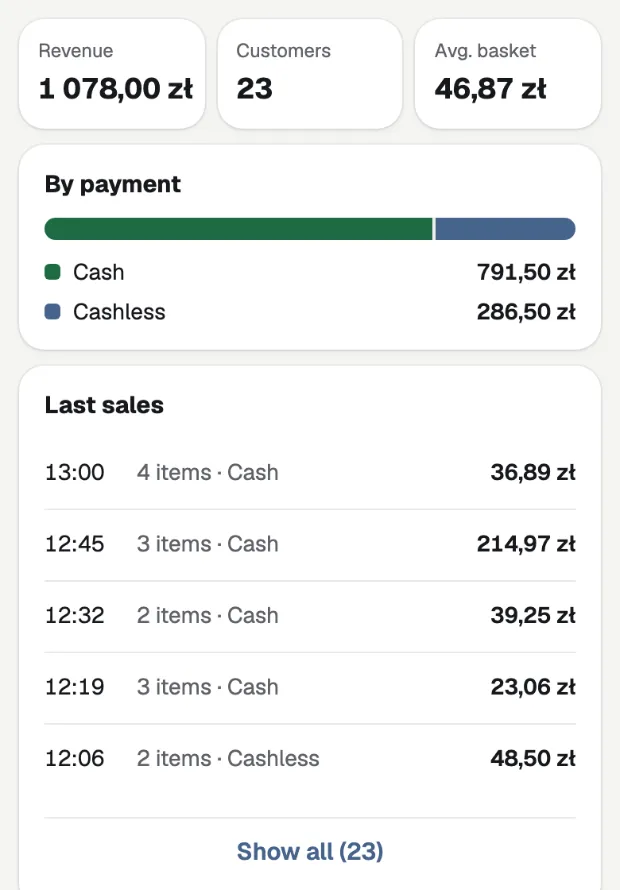
The day’s report
Revenue, customers, average basket and what was sold. Closing the day saves a backup and offers a CSV.
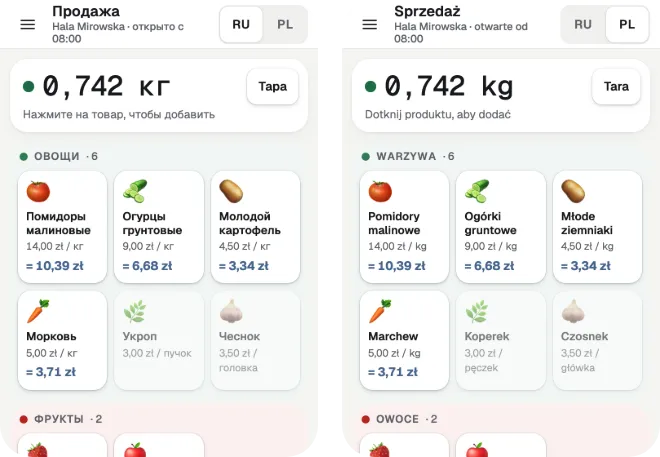
Two languages, one tap
You read Russian or Polish; your customer reads Polish. One tap flips the whole app between your language and theirs. English is there too.
Works with no network
Selling needs no network. Load Targ once with a connection and it needs none after that. Your data stays on your device.
What you need
An Android phone or tablet, or a computer with Chrome
The weight comes from the scale over Bluetooth.
A Bluetooth kitchen scale
An ordinary kitchen scale is enough. With no scale, you type the weight on a keypad.
An iPhone or iPad
It works, but an iPhone or iPad cannot read the scale: you type the weight.
Home screen
Add Targ to the home screen and it opens like an app.
What Targ is not
Targ is not a fiscal cash register.
It counts and records your sales. It issues no fiscal receipt. If you need one, you still need your own register.